For families, getting a home 3D printer can open up a whole new level of creativity. But choosing one for shared home use is very different from buying a personal hobby machine. A home-friendly model should be safe for kids to be around, simple to use, and reliable so that you are not constantly fixing things. In this guide, we’ll walk through our top picks for home 3D printers.
Best Home 3D Printers in 2026
Here are our top picks for 3d printers for home use. Each of these is reliable in family settings: simple setup, safe, and dependable operation.
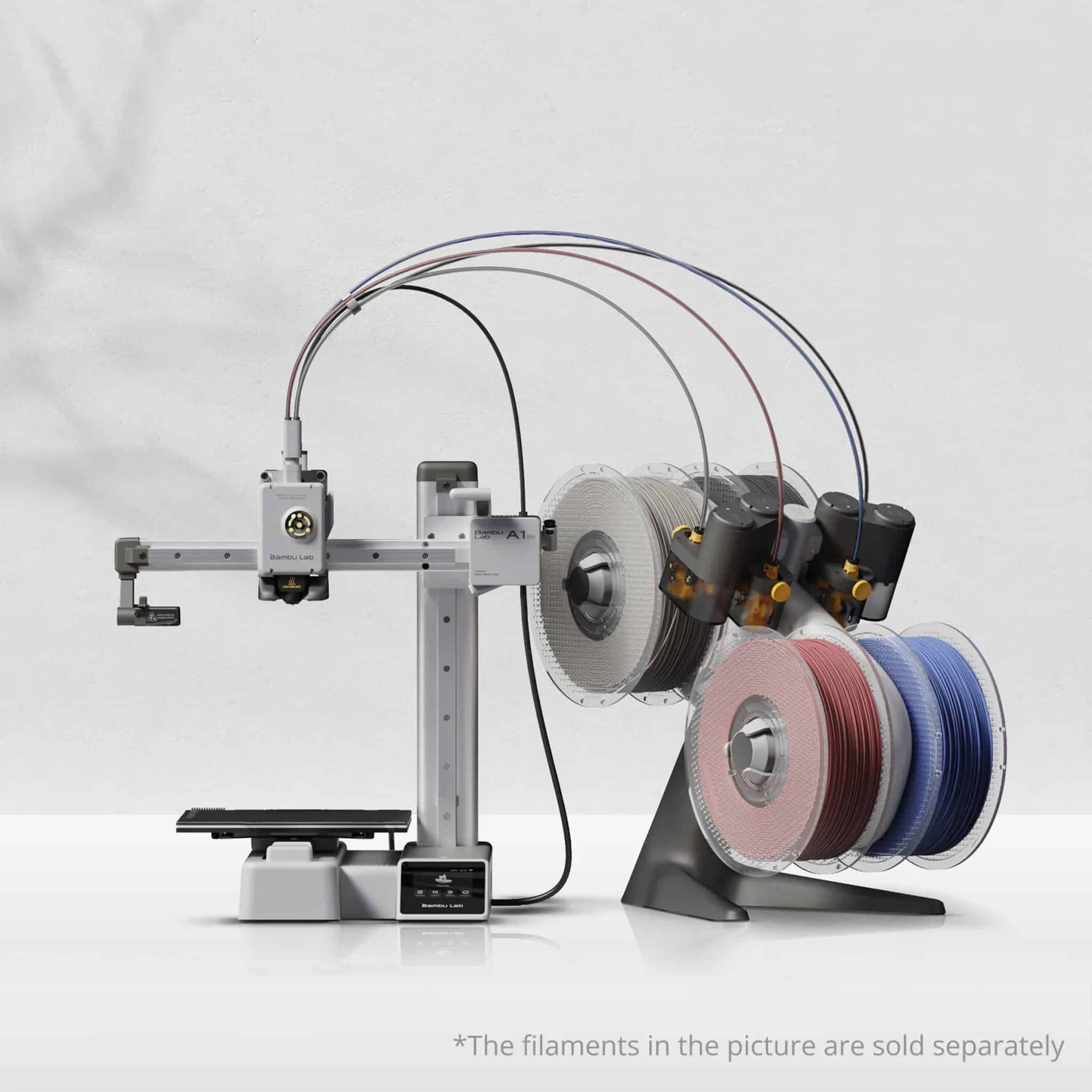
Best Home 3D Printer for Educational Use (Kids & Teen Beginners): Bambu Lab A1/A1 mini
Bambu Lab A1/A1 mini are the best 3D printers for beginners. A1 and A1 mini have a very minimal setup process and a simple user interface, allowing quick printing. A1 mini provides a true plug-and-play experience and takes about 20 minutes to set up. Its open-frame design allows children to observe how 3D printed objects are built layer by layer. With these versatile printers, families can engage in both educational projects and hands-on creative activities.
Here are some of its notable features:
- Multicolor Printing up to 4
- Auto Calibration
- 48 dB silent operation
- Compact size with A1 mini and moderate size with A1
- Print speed of 500mm/s
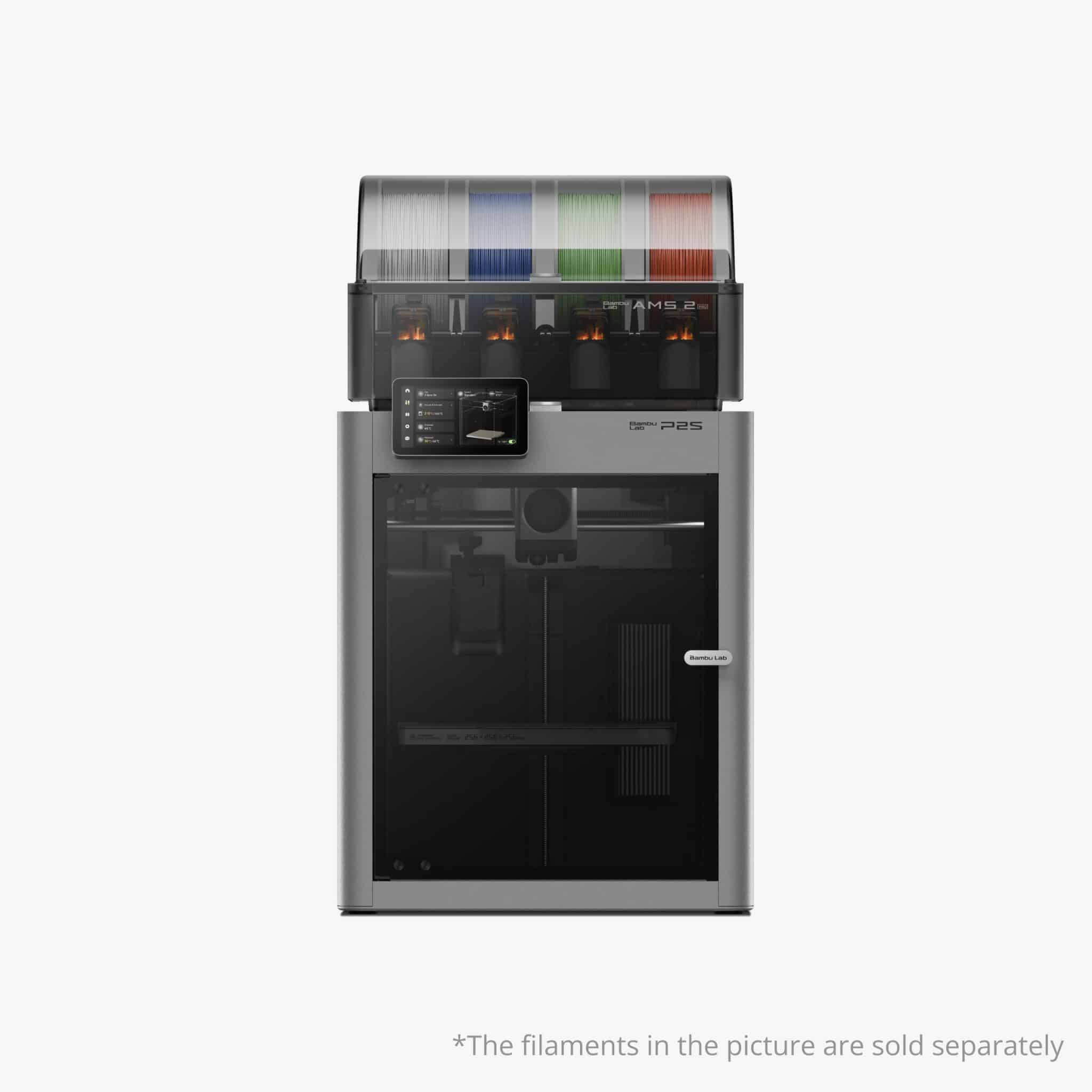
Most Reliable 3D Printer for Home Use: Bambu Lab P2S
It is the best 3D printer for families who want consistent prints without constant adjustments. It has a fully automated calibration system and high durability. The enclosure prevents children from touching hot components, and the built-in filtration system reduces odors, allowing it to be used in homes. The printer also runs quietly, making it ideal for shared living spaces. The enclosed, temperature-controlled design helps prevent warping when printing engineering materials.
- 20k acceleration, CoreXY structure
- Print speeds of 600 mm/s.
- Reliable & robust servo extruder
- 5″ touchscreen
- 300°C temperature at the hotend
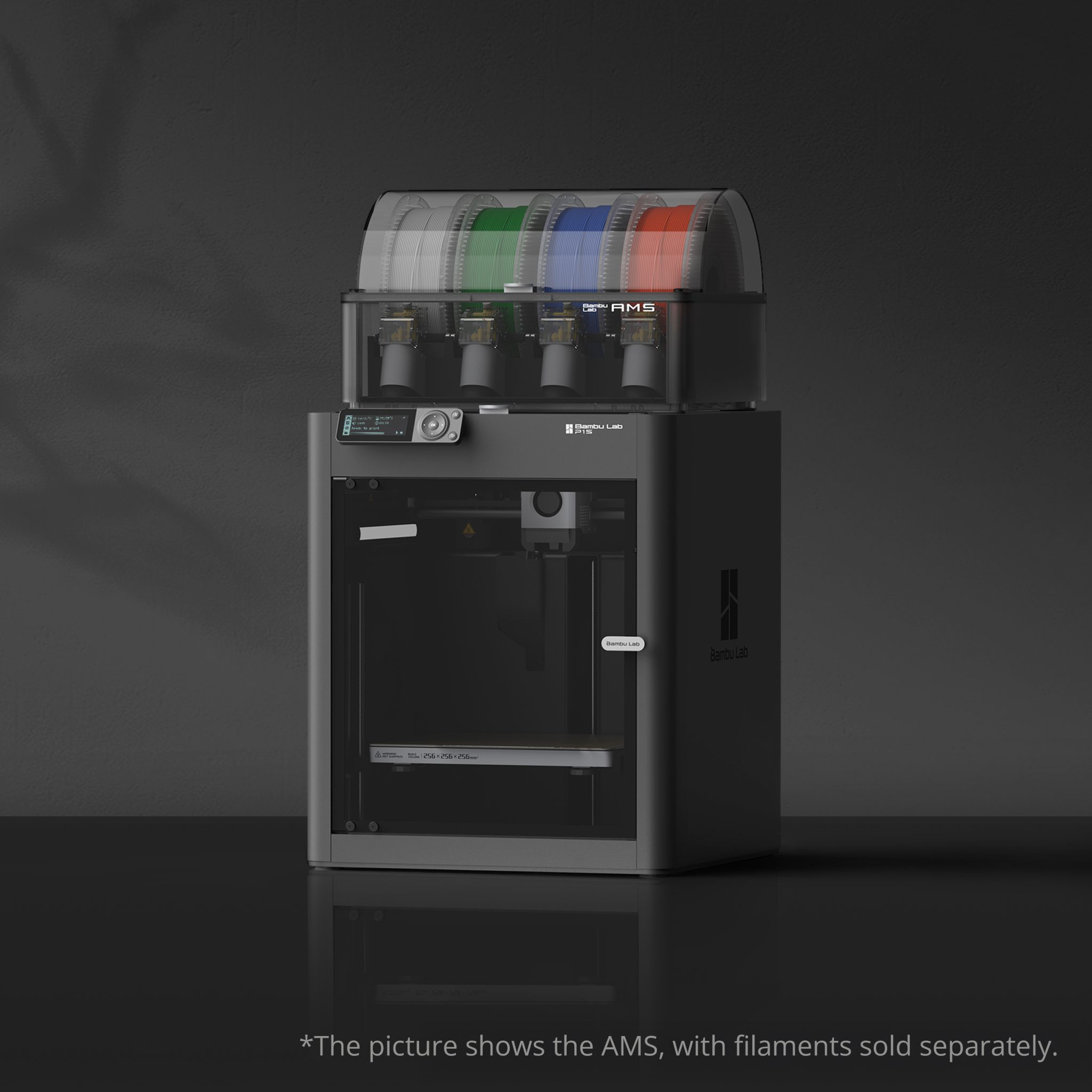
Best Value-for-Money Home 3D Printer: Bambu Lab P1S
One of the best values for families looking for a printer is the Bambu Lab P1S. It has an enclosed design and features similar to the P2S, but at a lower price. The P1S is capable of printing with both basic materials and engineering filaments. With advanced features, the P1S will not become outdated quickly as your child’s skills progress.
These are some of the P1S features:
- Enclosed design with an air filter system
- 20,000 mm/s² CoreXY acceleration
- Print speeds of up to 500 mm/s
- Print volumes of 256 × 256 × 256 mm
- Print with PLA, PETG, TPU, PVA, ABS, ASA, PC, PET, and PA filaments
Who Should Buy a Home 3D Printer?
Families With Kids
A 3D printer enables kids to design on a computer and hold a real product in their hands just hours later. As children design and create using a 3D printer, they develop spatial reasoning skills. Children learn engineering basics as a result of trial and error by determining why 3D printing fails and how to fix it.
Teen Makers & Students
Having access to a personal 3D printer at home allows students to test new design ideas. Teenage students can print and re-print and learn from each time they use a printer to help them improve their designs.
Parents Who Want Practical Home Tools
In addition to helping children with their craft projects, 3D printers are also great for adults. They can be used to create replacement parts for appliances. You can design custom storage solutions based on individual designs.
Key Features to Look for in a Home 3D Printer for Families
Plug-And-Play Setup
Manual leveling or calibration can be frustrating. With a plug-and-play setup, you can start printing quickly. Bambu Lab’s printers are pre-assembled and pre-aligned with automated calibration, which means you can start printing in about 20 minutes of unboxing.
User-Friendly Software and Mobile Apps
Complex tools with dozens of settings can overwhelm beginners. Desktop software Bambu Studio has presets that work for common materials and print types. Besides, the mobile app Bambu Handy lets you send prints and monitor progress anytime, anywhere.
Reliable Performance With Minimal Tinkering
Look for models that have sensors to detect filament runout, filament odometry, and filament tangle (like Bambu Lab A1). These features aid in providing reliable results without constant troubleshooting.
Quiet Operation for Home Environments
Loud printers can be problematic in homes or shared spaces. 3D printer for home use, including the A1 series, runs at 48 dB, providing quiet operation.
Enclosed Design for Safety (Especially for Kids)
Enclosed printers protect curious hands from the hotend and build plate, and filter particles and fumes. With kids around, printers like P1S do not require constant supervision.
Compact Size for Desks and Small Rooms
Most families do not have the space to fit a large printer. Smaller printers, such as the Bambu Lab A1 mini, fit perfectly on standard desks.
Is It Worth Having a 3D Printer at Home?
Having a 3D printer at home opens up a world of creativity. A home 3D printer can be a practical tool for your family. For kids and teens, it encourages hands-on learning and problem-solving.
It can be great for:
- Fixing household items
- Working on school projects
- Shared activity for the whole family.
Which Home 3D Printer is Best for Your Family?
If you are purchasing for a child under 12, we recommend the A1 mini. It is inexpensive, uncomplicated, and has room for a lot of learning without the added complexity.
If you are looking for a budget, enclosed printer, then go for P1S. It has a filter for catching fumes, so it is safe to use around kids. Enclosed design also means you can print with advanced materials other than PLA.
The P2S is a good choice for making functional parts. It has a large colour capacity and prints quickly.
Home 3D Printer FAQs for Families
How Much Does a 3D Home Printer Cost?
Entry-level 3D printers for home use cost about $219 for the A1 mini. While more advanced enclosed models, such as the P2S, cost more because they have more features.
Are 3D Printers Safe for Kids?
Modern enclosed printers provide greater safety and can be operated with basic supervision. The enclosure prevents contact with hot components and effectively removes print fumes.
At What Age Can Kids Start Using a 3D Printer?
Around 8-10 years old, children can start to use these simple printers, but they must have supervision. By the middle school years, kids can use beginner-friendly models without assistance.
What 3D Printing Materials Are Safe for Kids to Use?
PLA is the safest filament for children. PLA is a non-toxic, biodegradable material that does not produce particularly toxic fumes during printing.